
What steps can I take to fix connectivity issues in my solar monitoring application?
Experiencing connectivity issues with your solar monitoring application can be frustrating, especially when you rely on it for real-time data and insights. Fortunately, there are several straightforward steps you can take to resolve these issues and restore seamless operation. Understanding the common causes of connectivity problems is the first step towards effectively troubleshooting them.
By methodically addressing potential issues, you can quickly identify and rectify the source of the problem. Whether it’s a matter of network settings, software updates, or device compatibility, this guide will provide you with the necessary steps to ensure your solar monitoring application functions optimally.
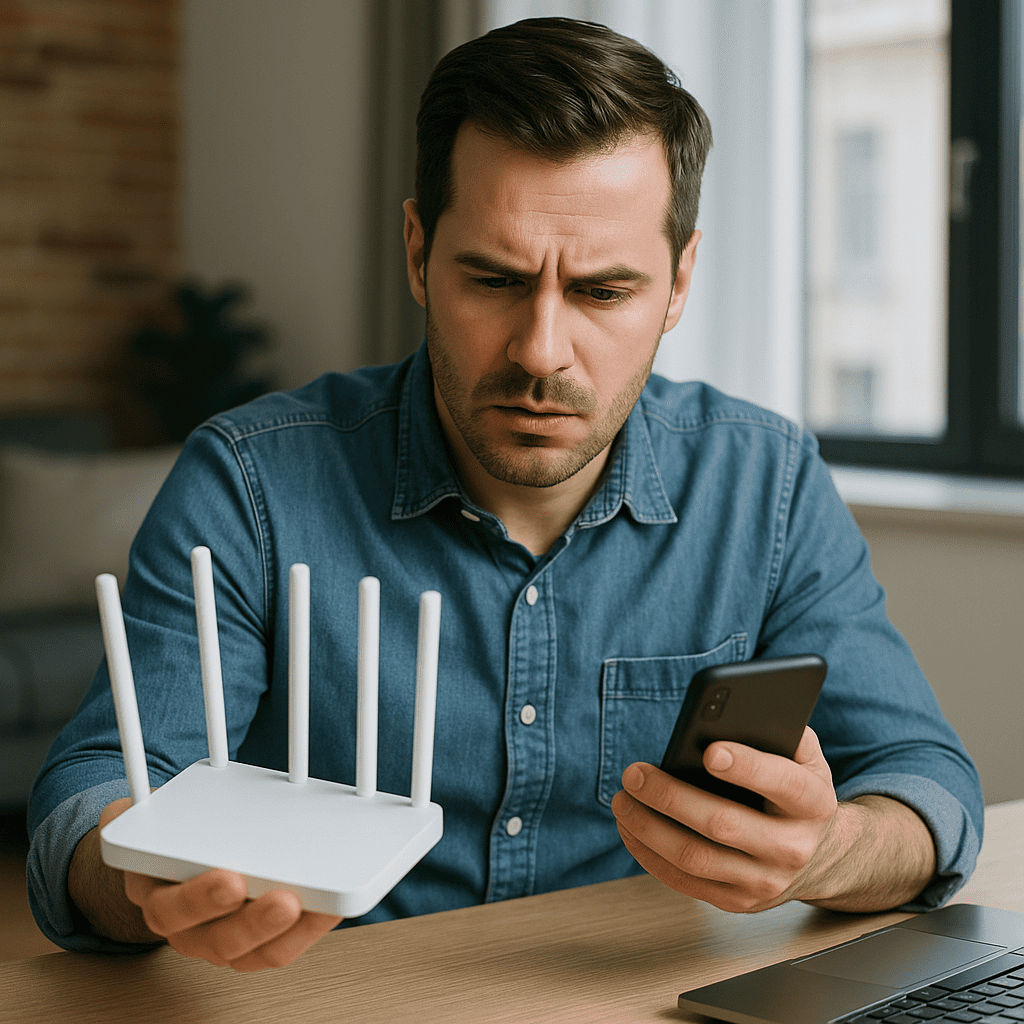
Begin by checking your internet connection, as a stable network is crucial for the proper functioning of your solar monitoring application. Ensure your device is connected to a reliable Wi-Fi network, and consider restarting your router to resolve any temporary connectivity issues. Additionally, verify that other devices on the same network are not causing bandwidth congestion, which could affect the application’s performance.
Next, ensure that your software is up to date. Outdated applications can often encounter compatibility issues, leading to connectivity problems. Check for any available updates for your solar monitoring application and install them promptly. Similarly, ensure that your device’s operating system is current, as updates often include important security and performance enhancements.
Finally, review your device’s settings to confirm that permissions necessary for the application to access the network are enabled. This includes verifying that firewall settings and any security software are not inadvertently blocking the application. If issues persist, consult the application’s user manual or online support resources for further troubleshooting assistance.