
How can I troubleshoot performance problems with my solar technology monitoring app?
Experiencing performance problems with your solar technology monitoring app can be frustrating, but rest assured, there are straightforward steps you can take to identify and resolve these issues. A well-functioning app is crucial for efficiently tracking your solar energy production, consumption, and overall system health. By familiarising yourself with some basic troubleshooting techniques, you can ensure your app continues to provide accurate and timely data.
Start by examining the app’s settings and configurations, as incorrect settings can often lead to performance hiccups. Additionally, ensure that your device’s software is up to date, as outdated systems can cause compatibility issues. By following these initial steps, you are on the right path to restoring your app’s performance.
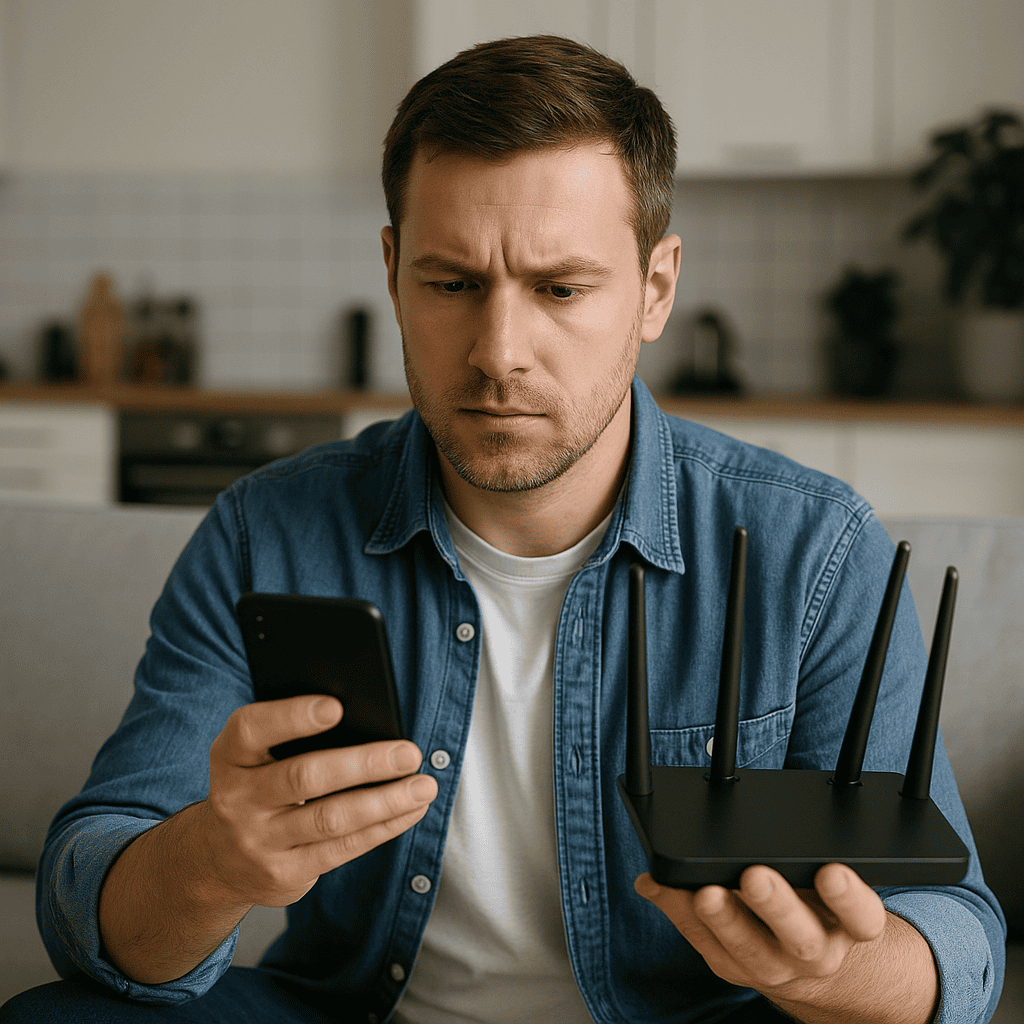
First, check your internet connection, as a stable connection is pivotal for the app to fetch and transmit data correctly. A weak or intermittent connection can result in delayed data updates or app crashes. If the connection seems fine, try resetting your router or modem to see if this improves the situation.
Next, examine the app for any available updates. Developers regularly release updates to fix bugs and improve performance, so keeping your app current is essential. If an update is available, install it and see if it resolves the performance issues. Additionally, clearing the app’s cache can help if temporary files are causing slowdowns.
Lastly, if the problem persists, consider reaching out to the app’s support team. They can provide specific guidance tailored to the app, helping you troubleshoot more effectively. By systematically addressing these areas, you can enhance your app’s performance and ensure it continues to serve your solar monitoring needs efficiently.